The app
Designed for the moment.
For couples · iOS
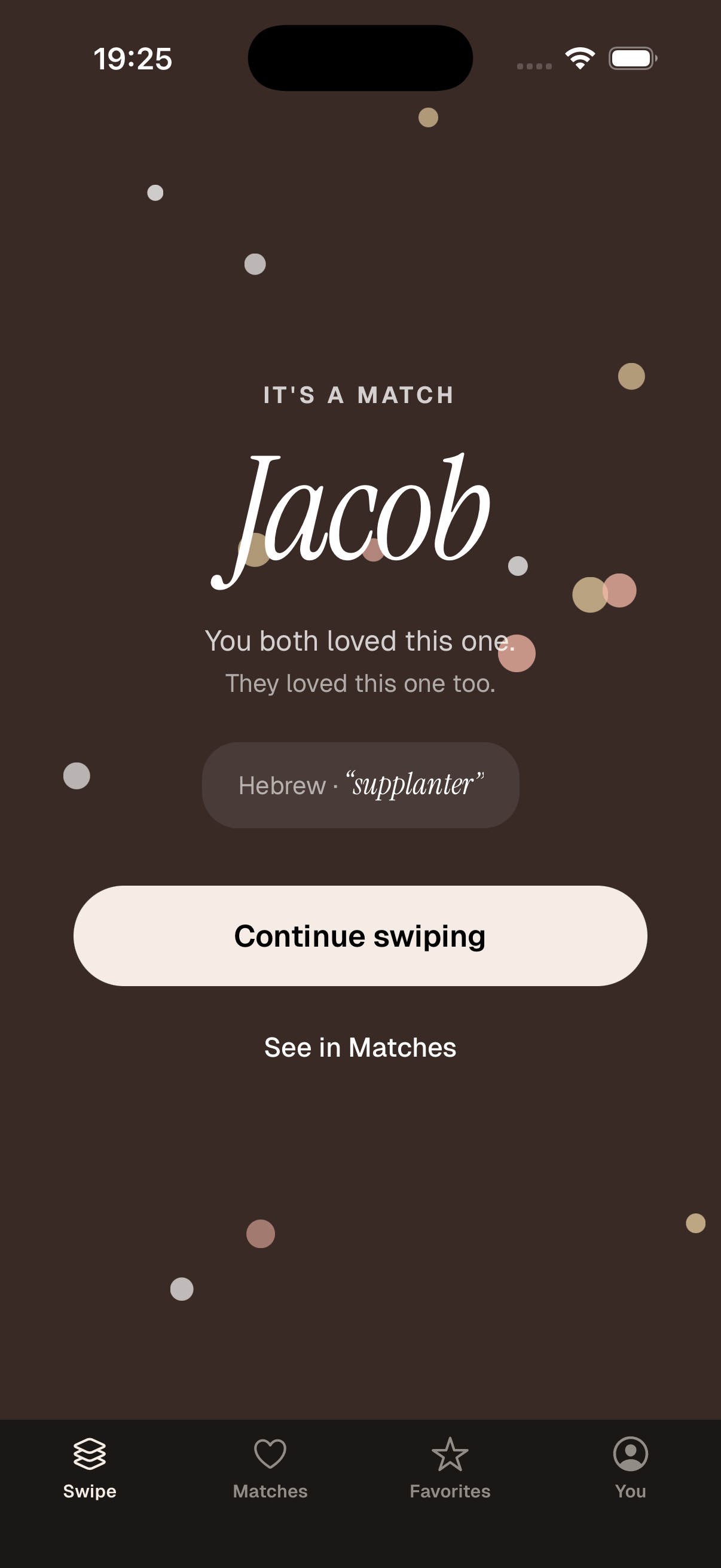
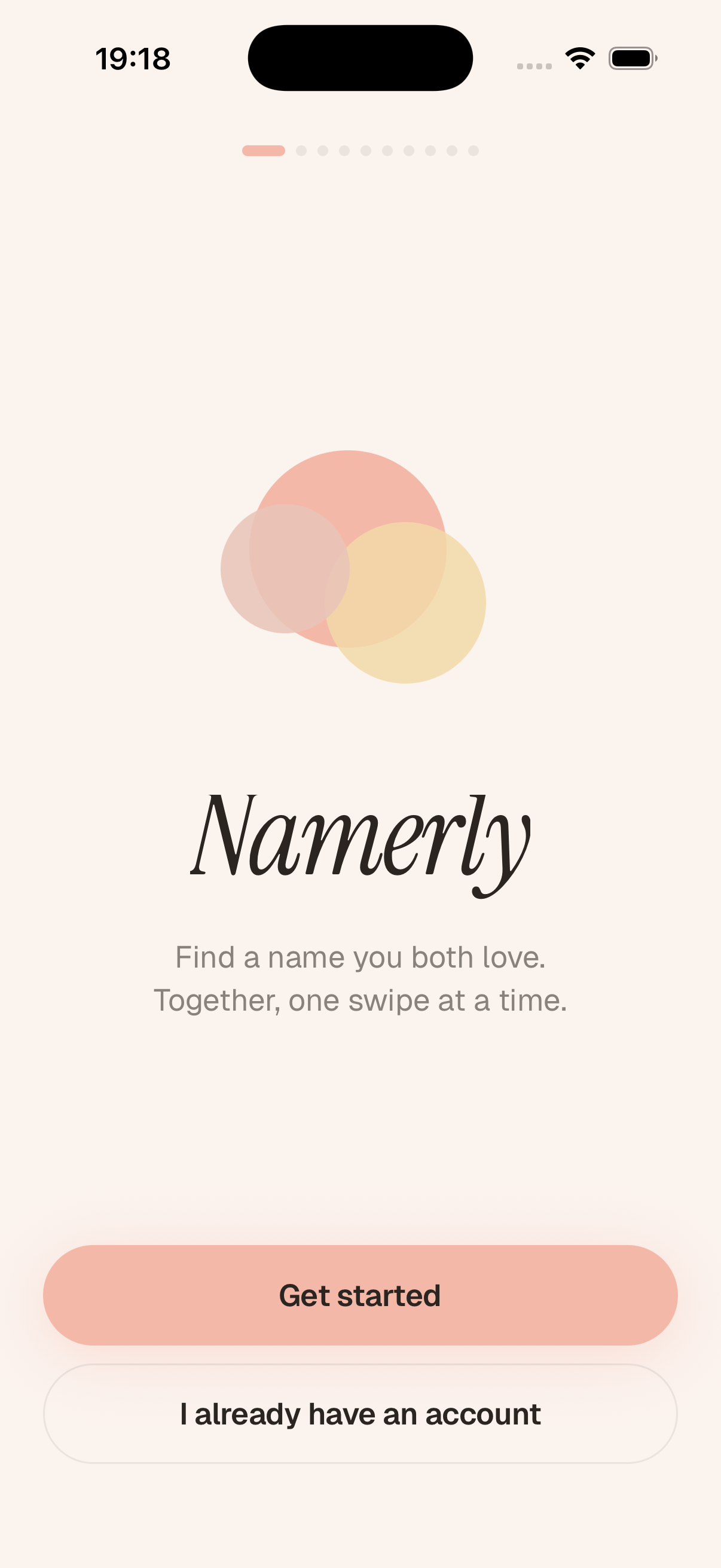
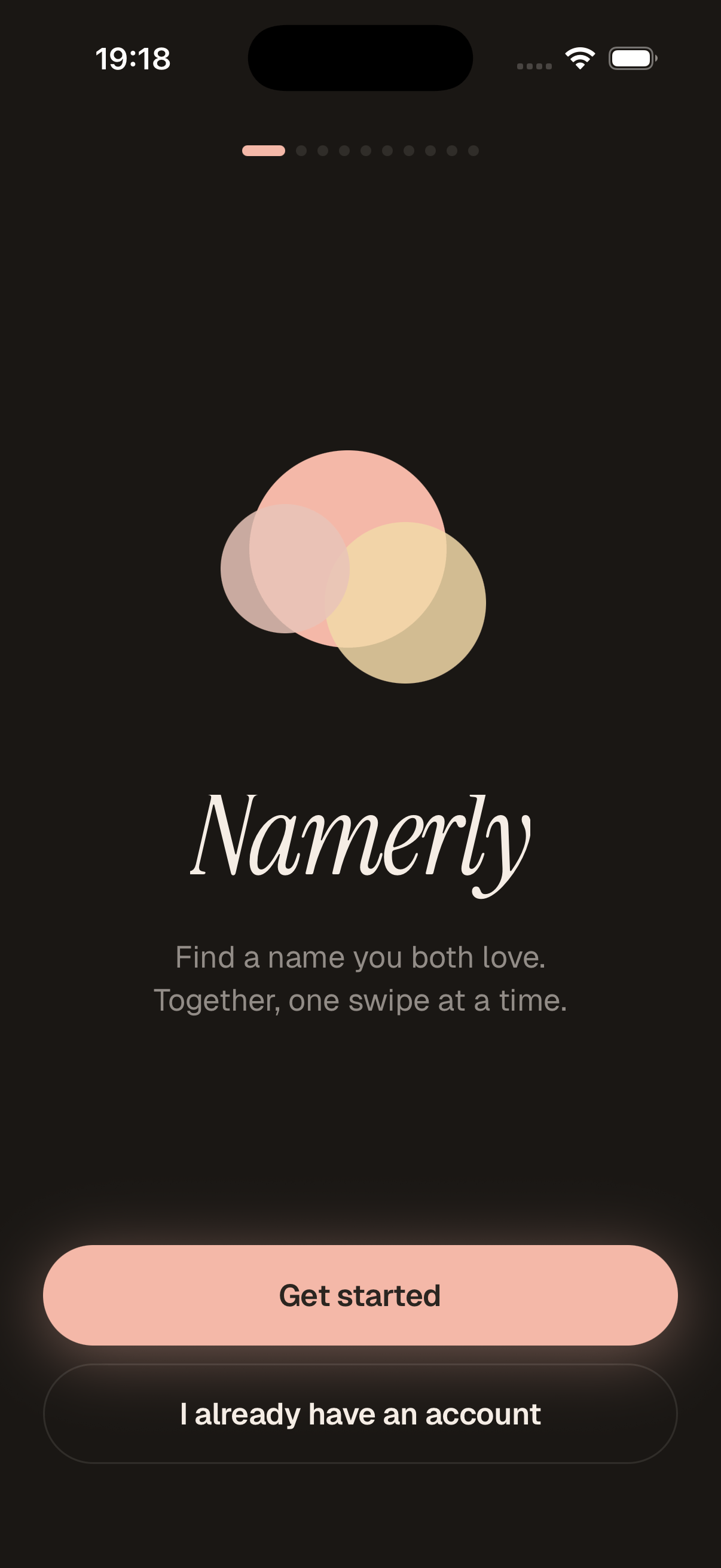
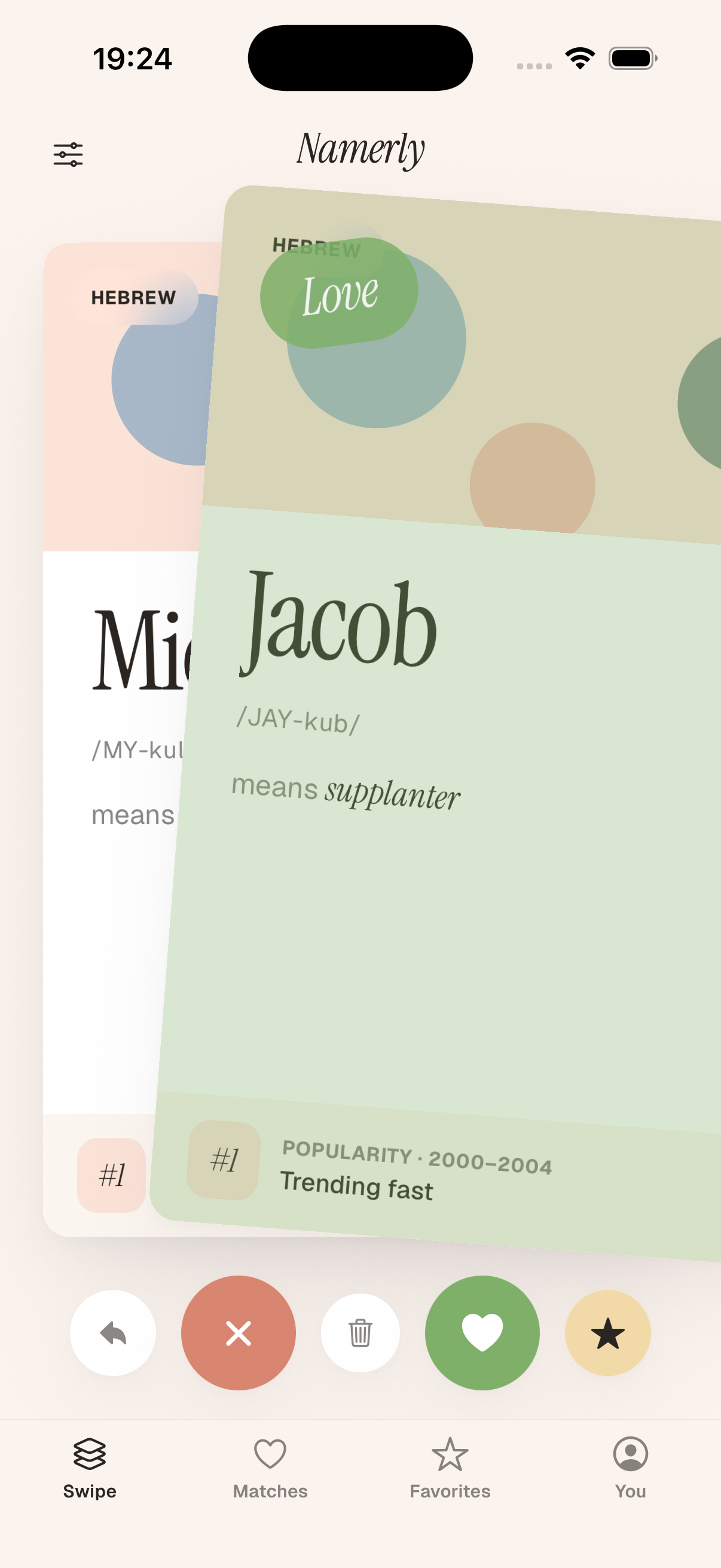
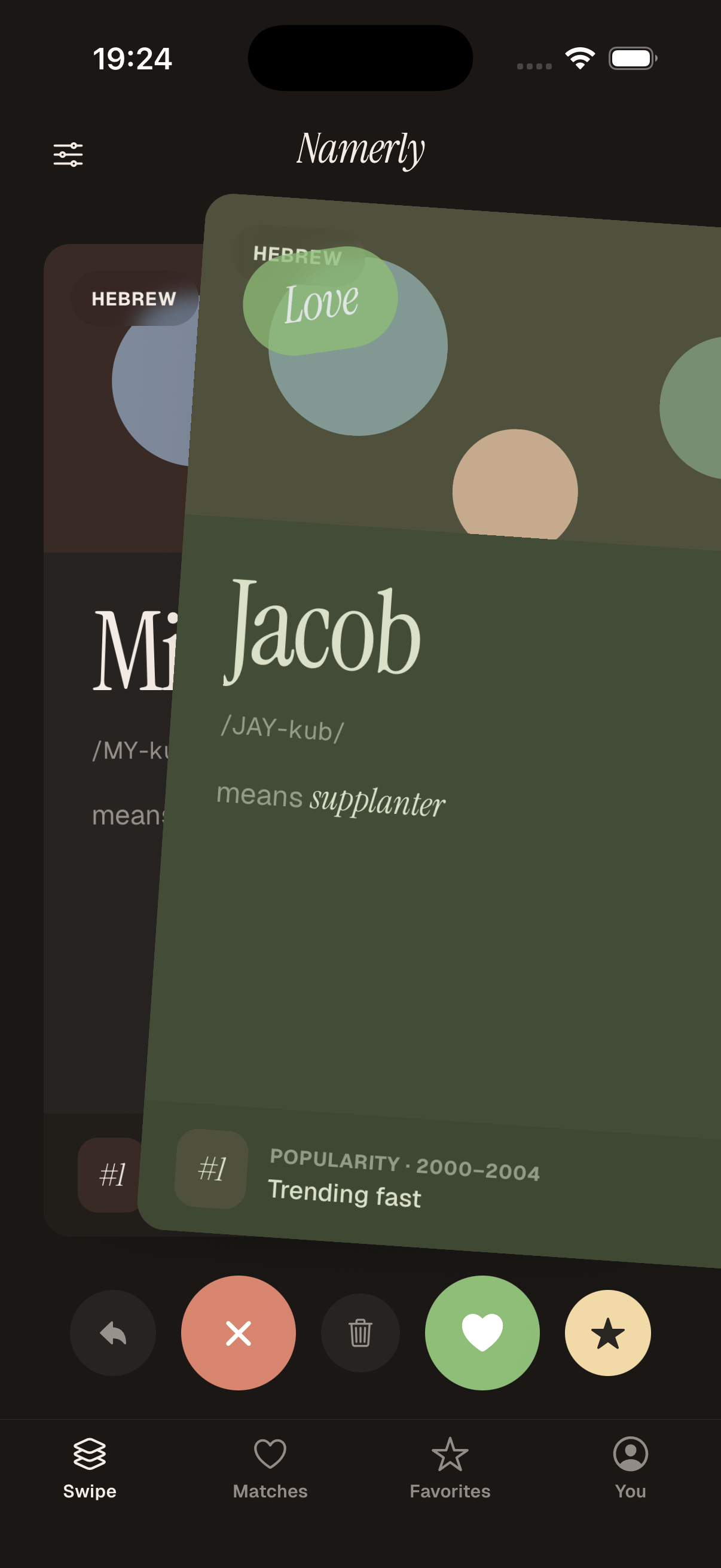
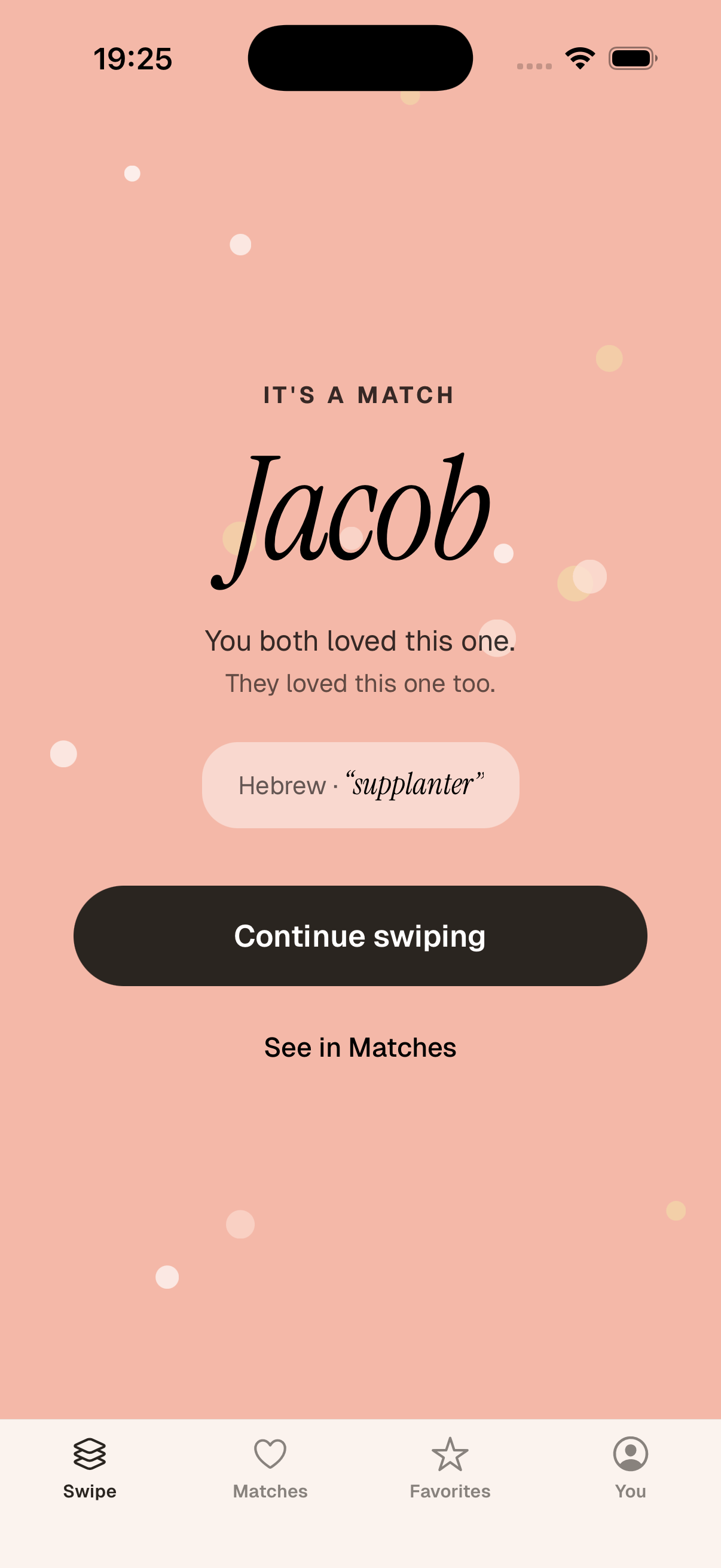
Namerly is a baby-name swiper for two. You each swipe in private; the moment you both say yes, you match. No spreadsheets, no awkward "what about…" conversations.
Coming soon · iPhone only at launch
The app
How it works
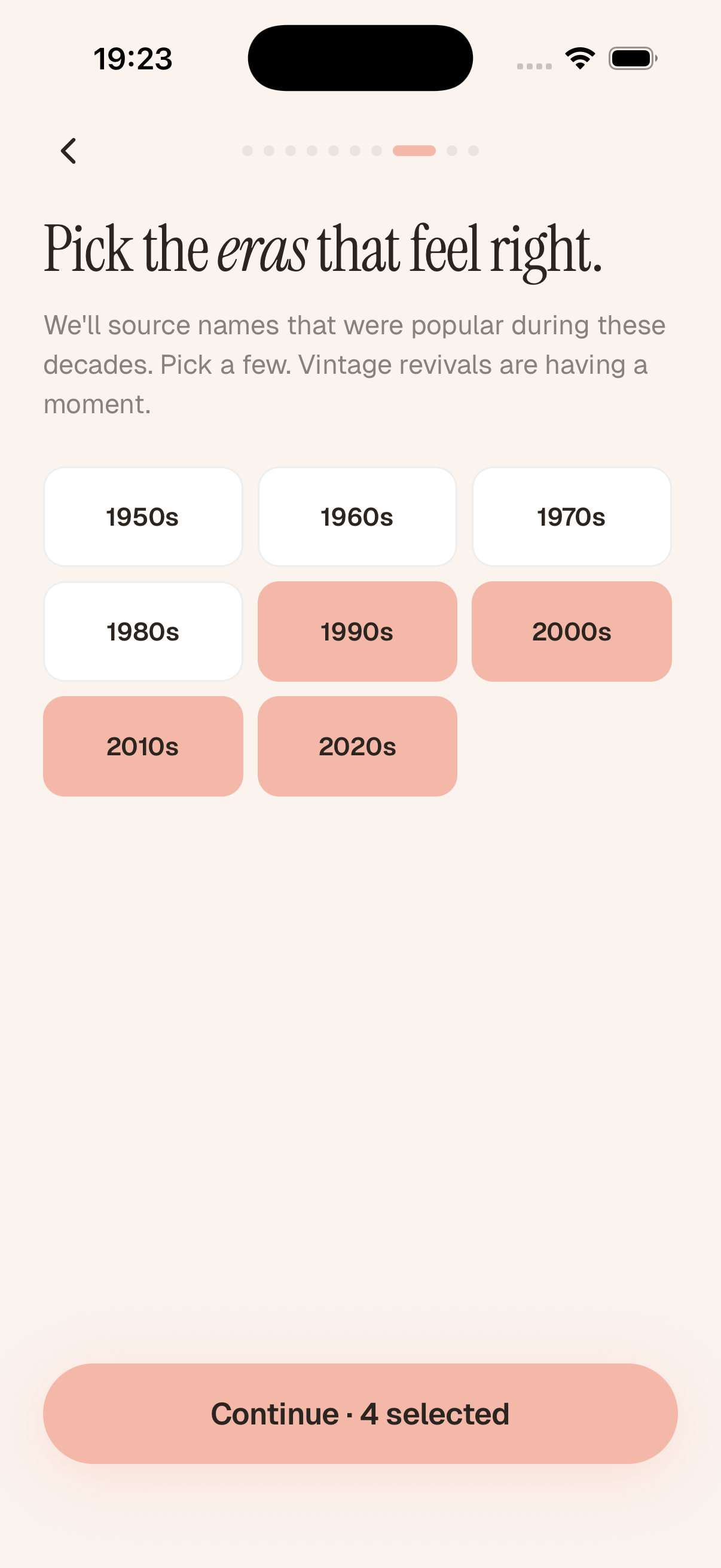
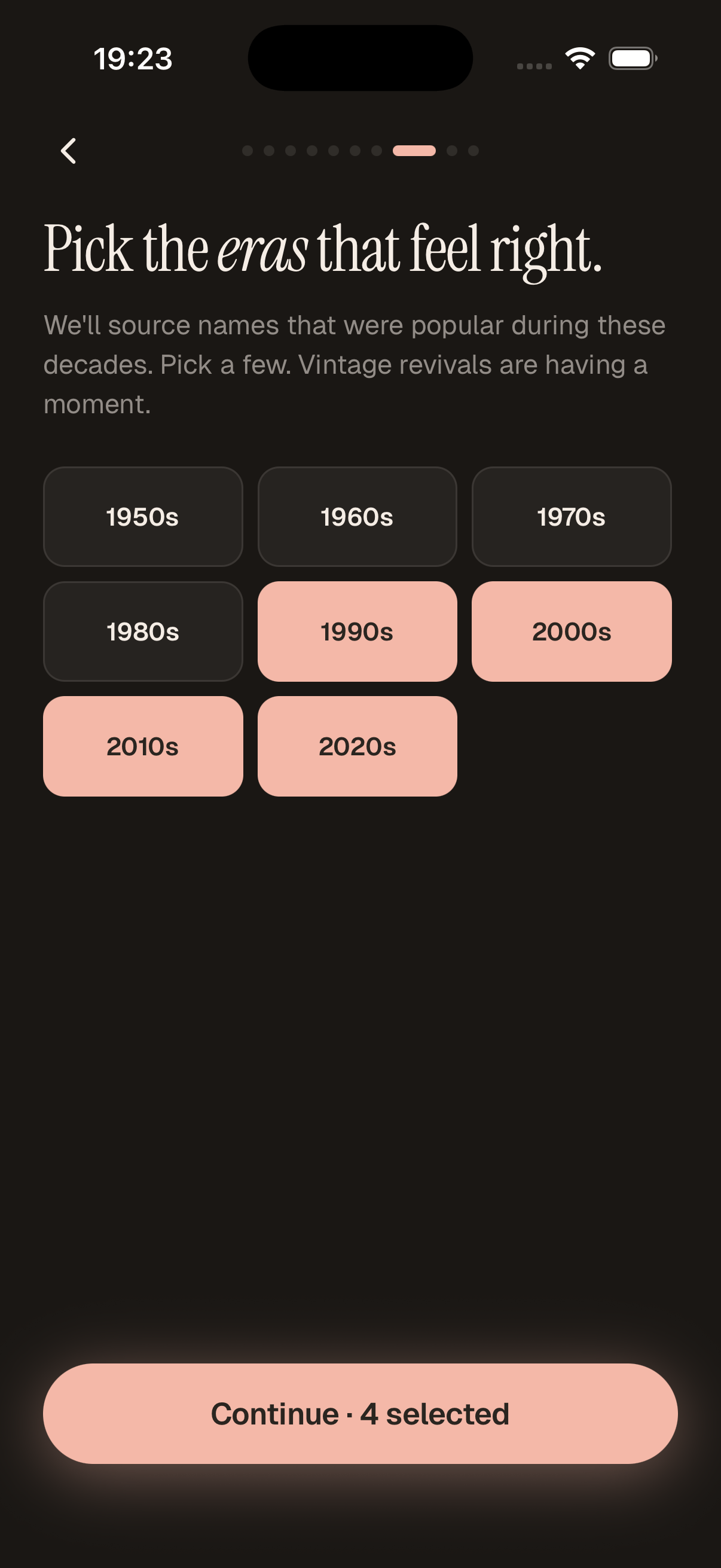
Pick the regions, eras, and gender you want to draw from. Two minutes, then you're swiping.
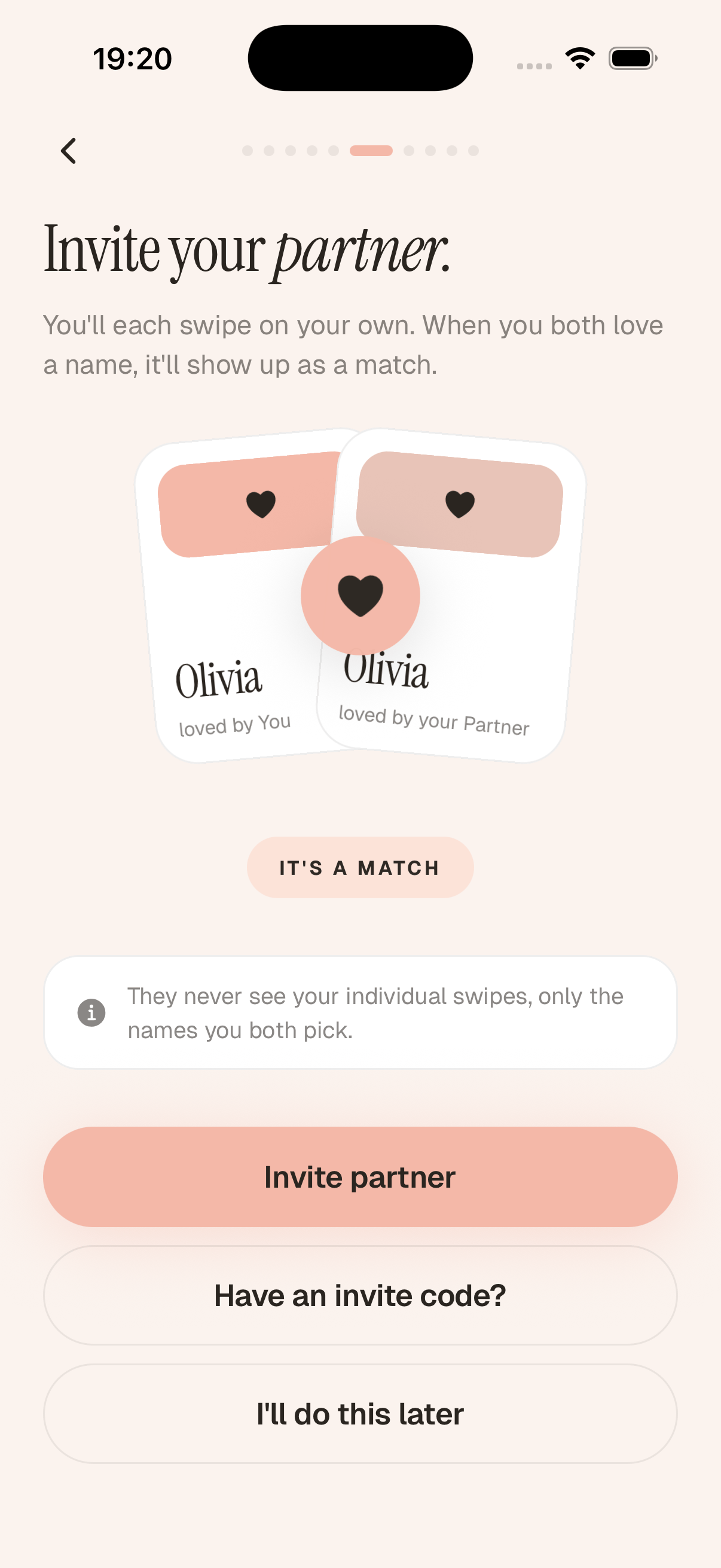
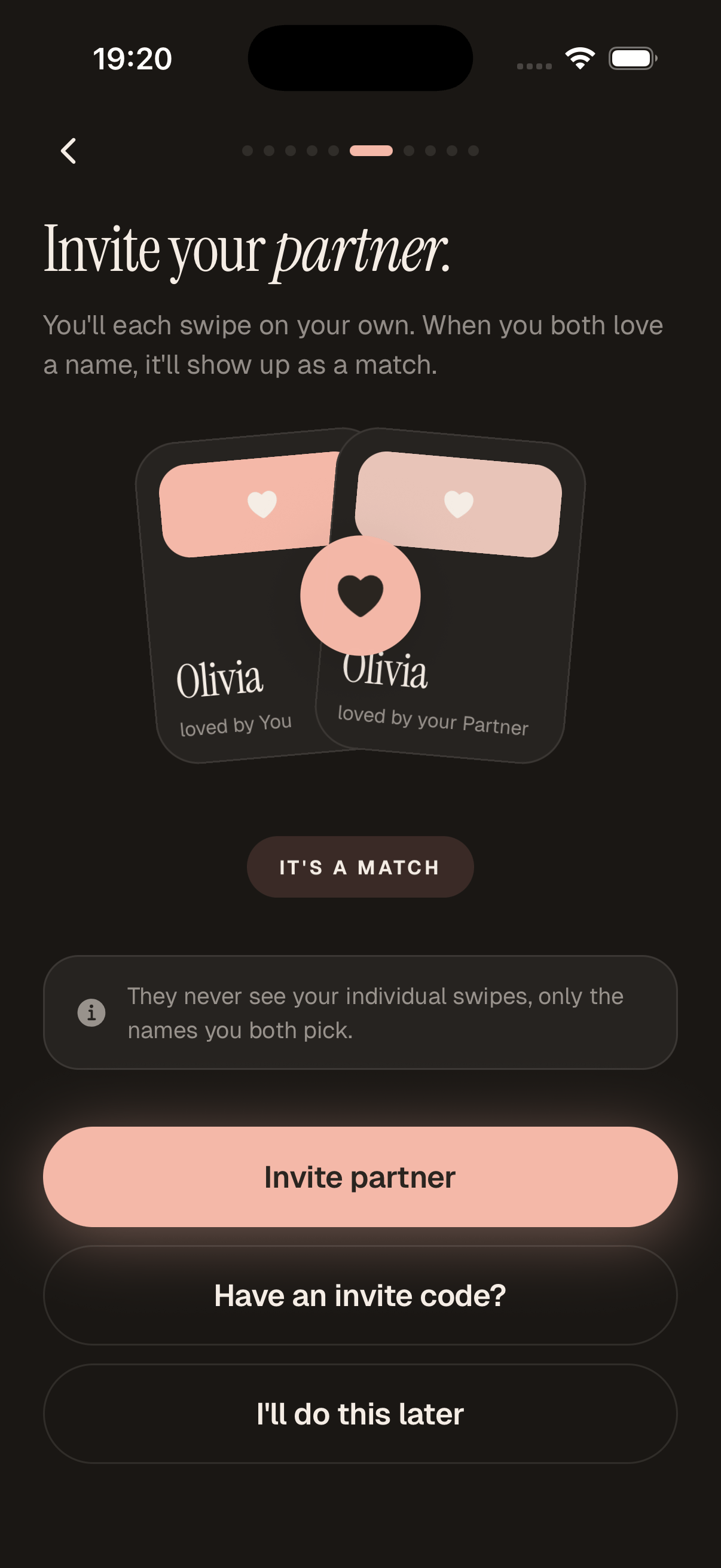
Send a link. They install, tap once, and you're paired. No accounts to remember, no passwords.
Each of you swipes alone. Your partner only sees a name when you both said yes.
Why Namerly
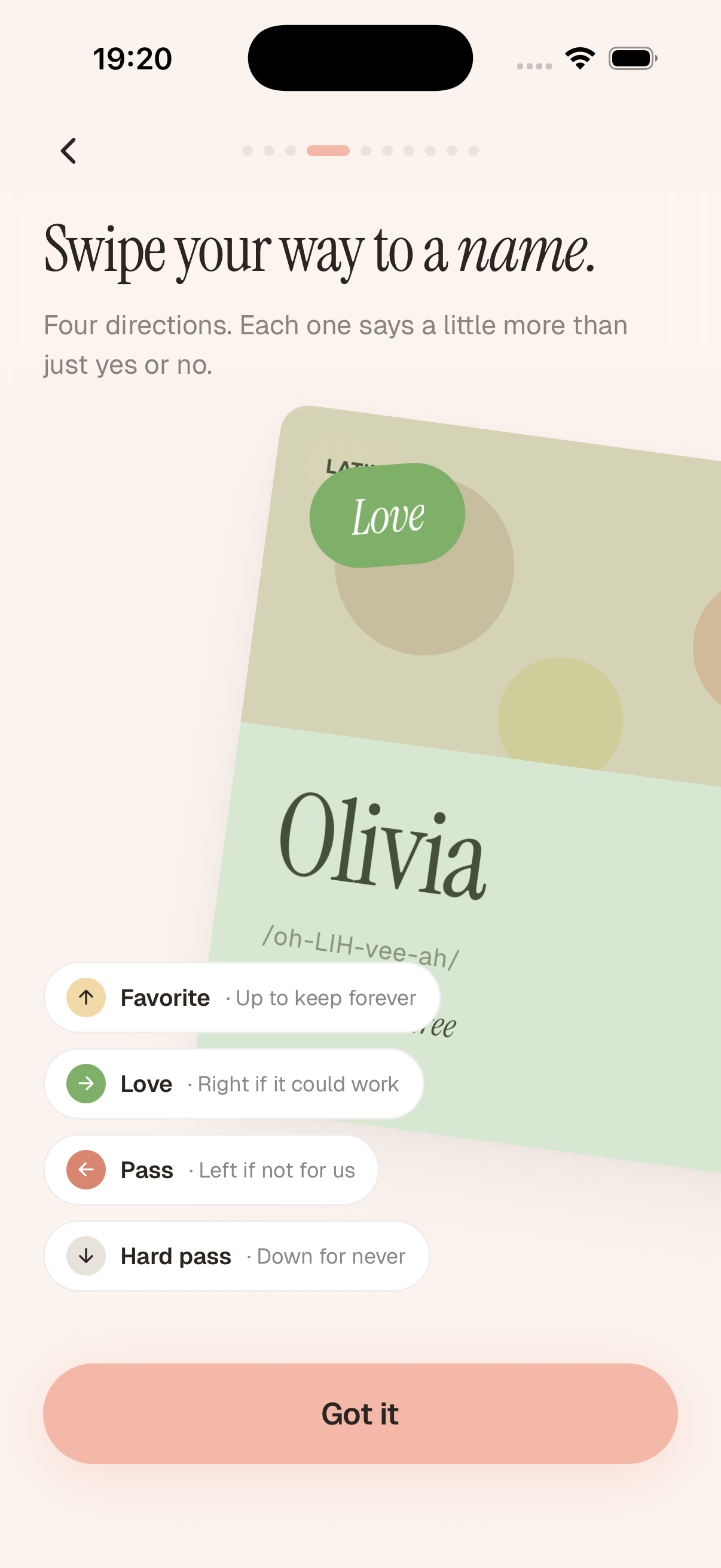
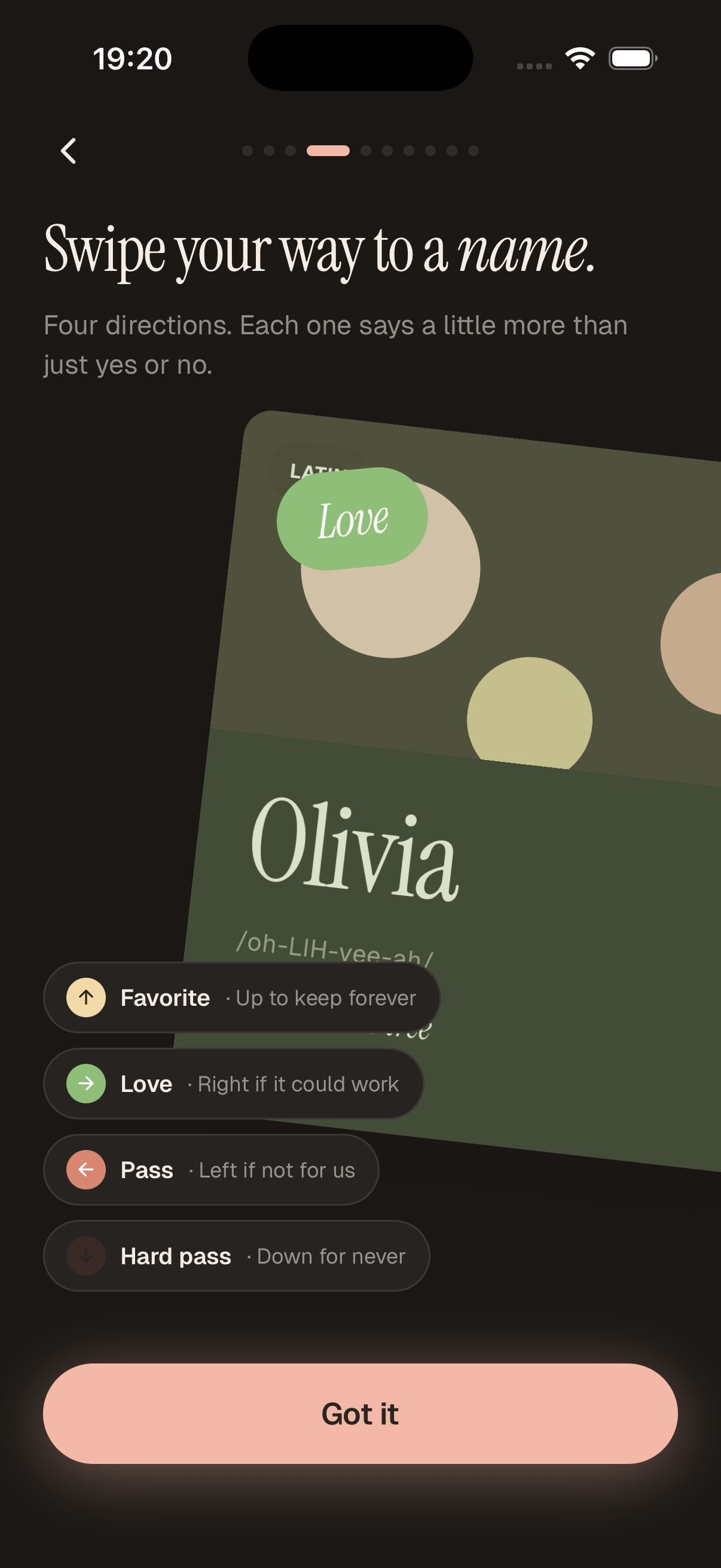
Right for love, left for pass, up to favorite, down for hard pass. A swipe should say more than yes or no.
Undo your last swipe, unmatch a name you both said yes to, move favorites between lists. Nothing is final until you both want it to be.
We start with names that fit your taste, then sprinkle in surprises. You won't get name fatigue.
Names and origins come from public government datasets. Meaning blurbs are AI-assisted and reviewed for plausibility — useful as a starting point, not a final word.
Names you both haven't agreed on stay private. Your partner never sees what you didn't choose to share.
Made for the bedside, the kitchen, the long car ride. Designed around how the two of you actually talk.
Questions